Document AI features
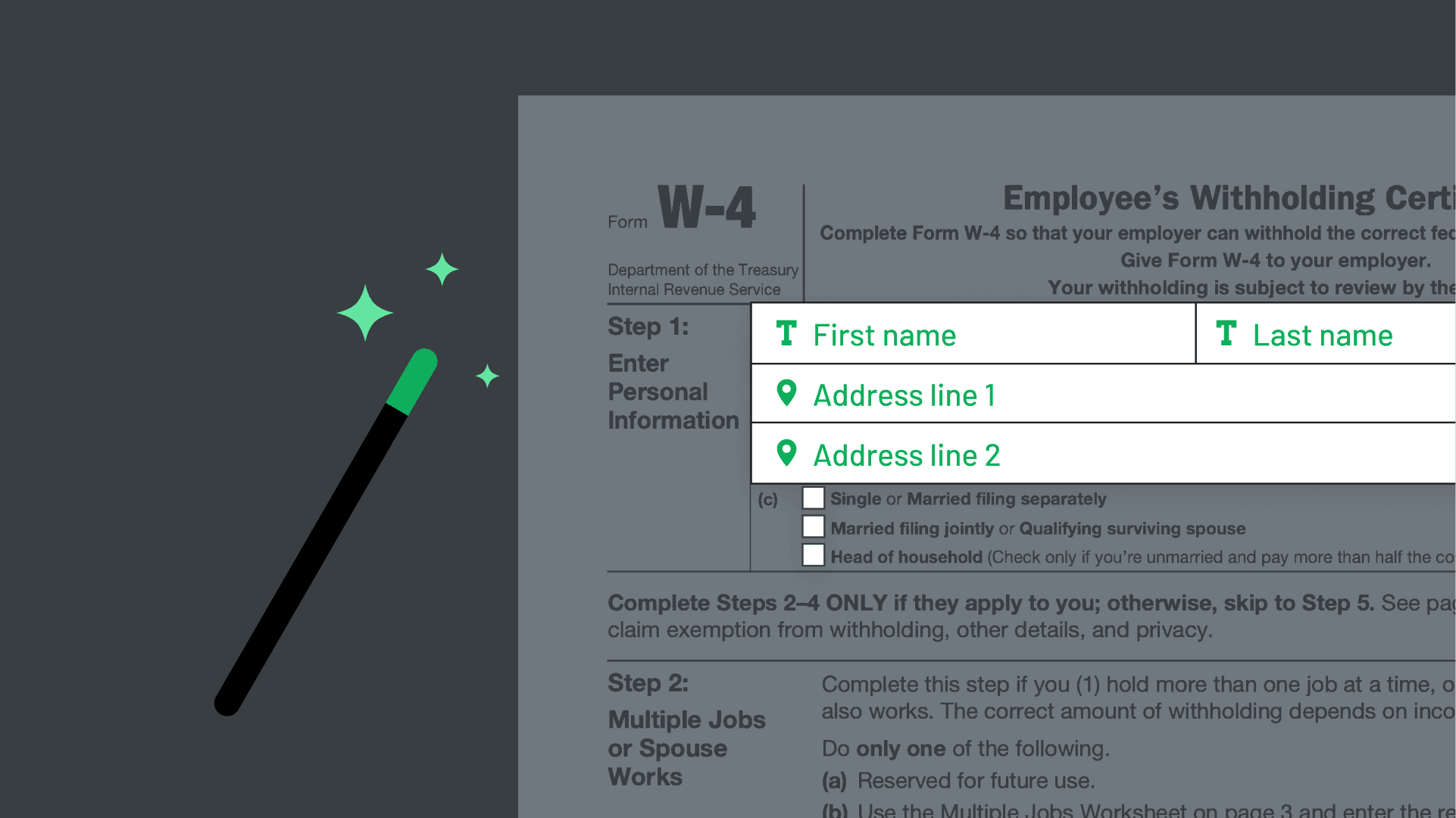
Upload your PDF & let Document AI find fields and assign it labels. Generate a categorized Webform from PDF, translate it into any language, and identify + assign signers.
Show:
Find and Label fields

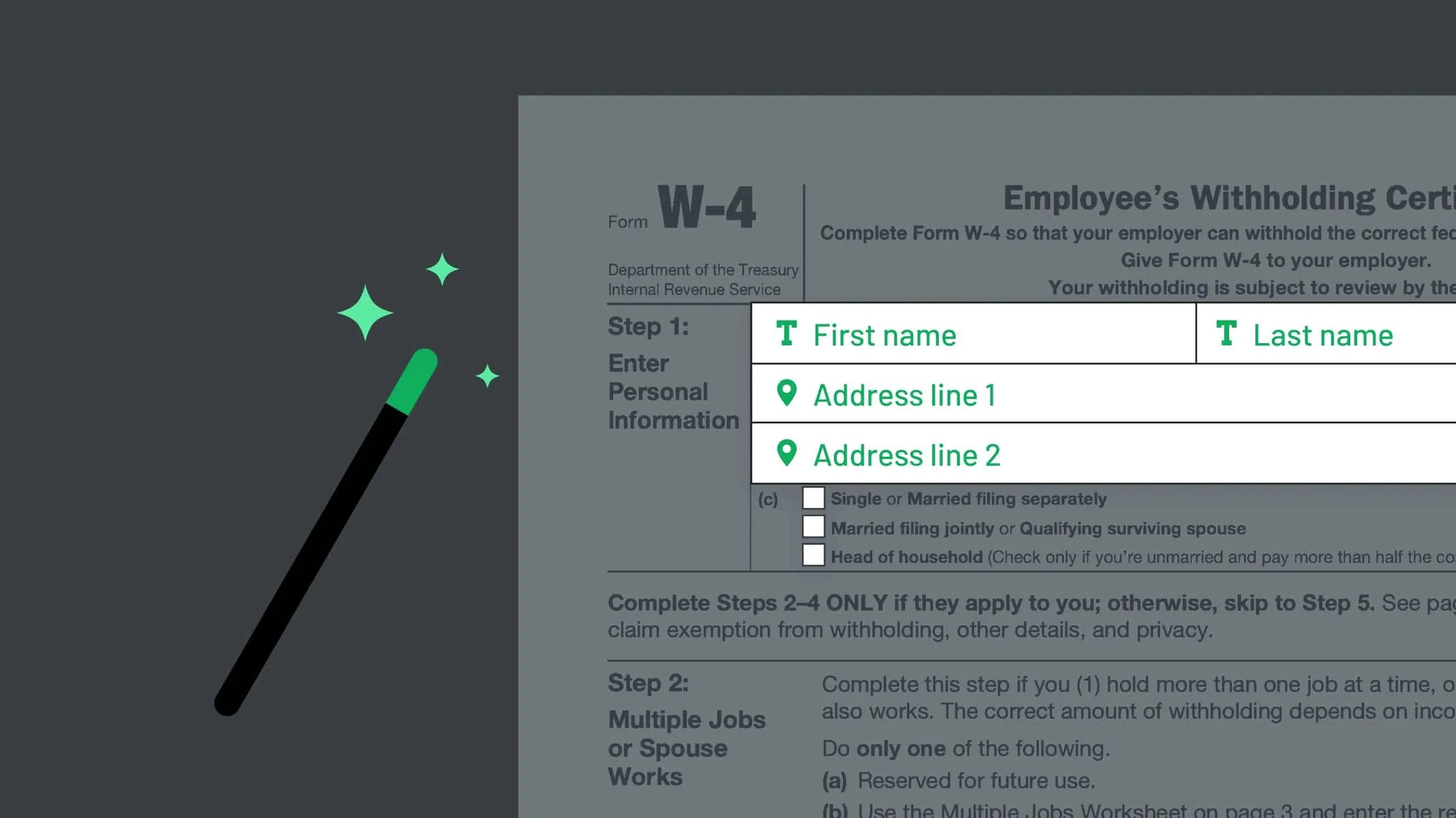
Document AI finds and labels fields for you, turning static documents into API-fillable documents in seconds.
🔥NEW
AI Pack
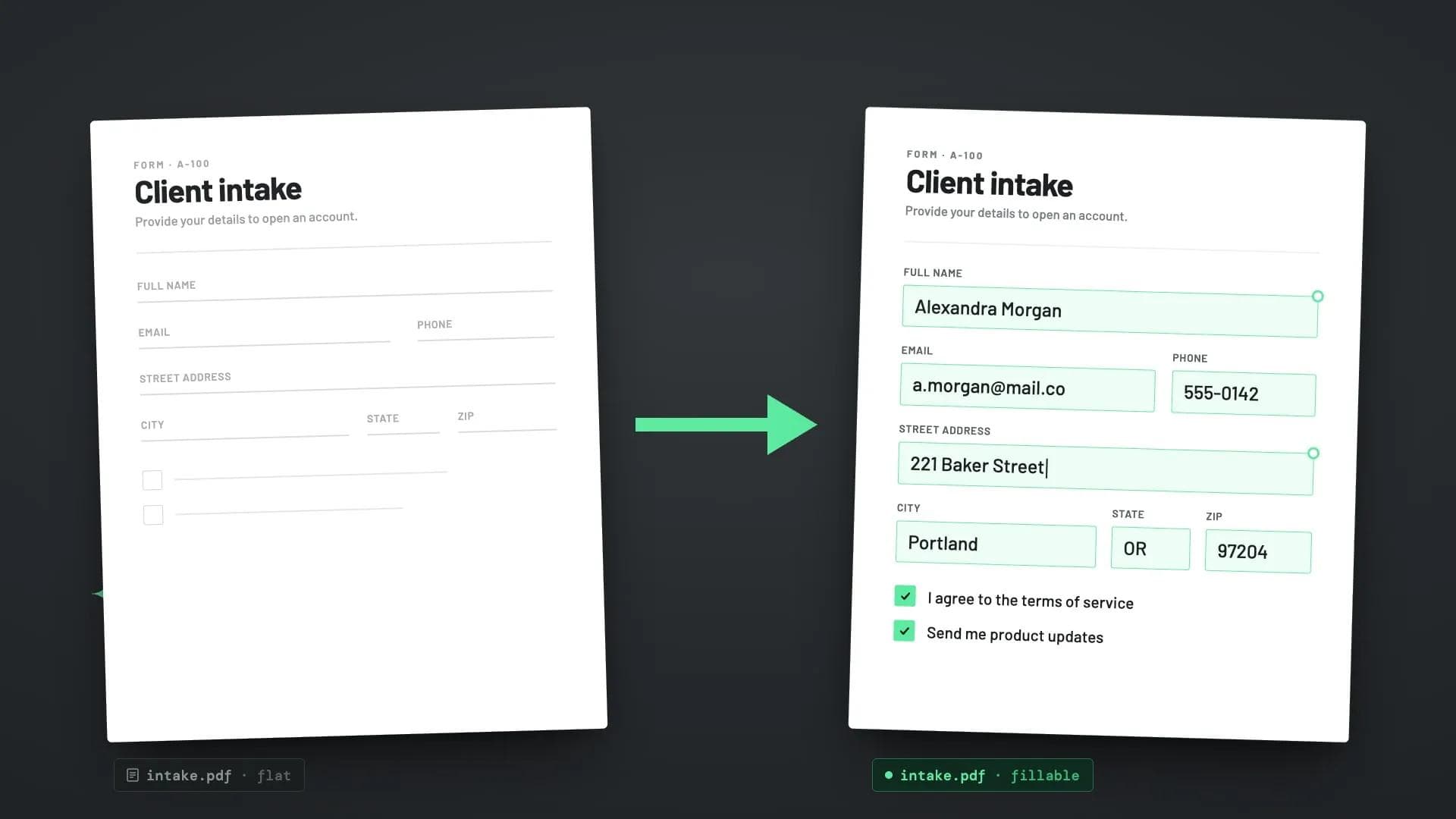
Flat to Fillable PDFs

Turn any flat PDF into a fillable PDF – checkboxes, text fields, and signature lines detected automatically.
🔥NEW
AI Pack
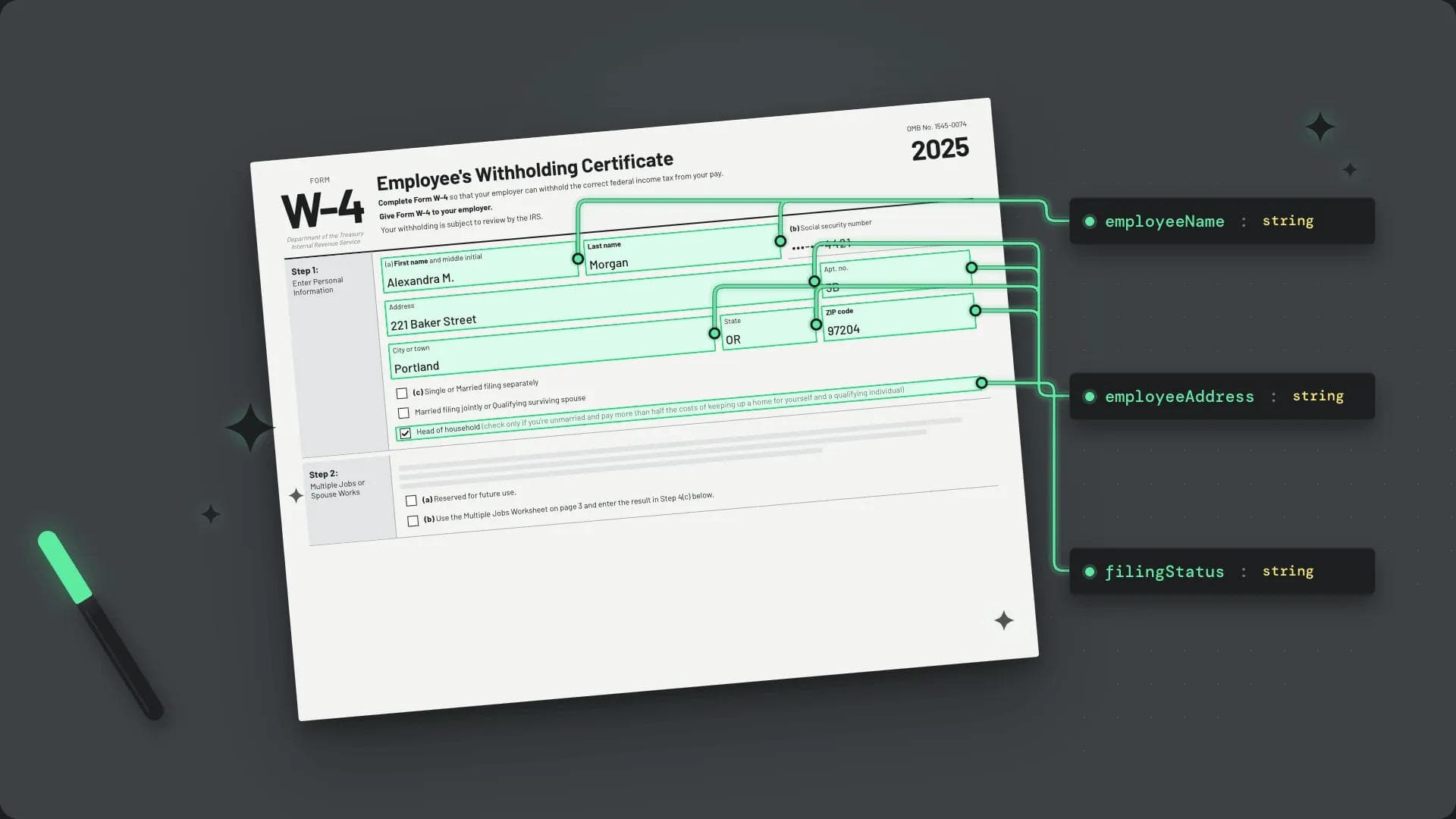
AI schema mapping
AI schema mapping

Pass in your own field schema and Anvil's AI maps detected fields to your existing data model – no manual remapping when you onboard a new document.
Free
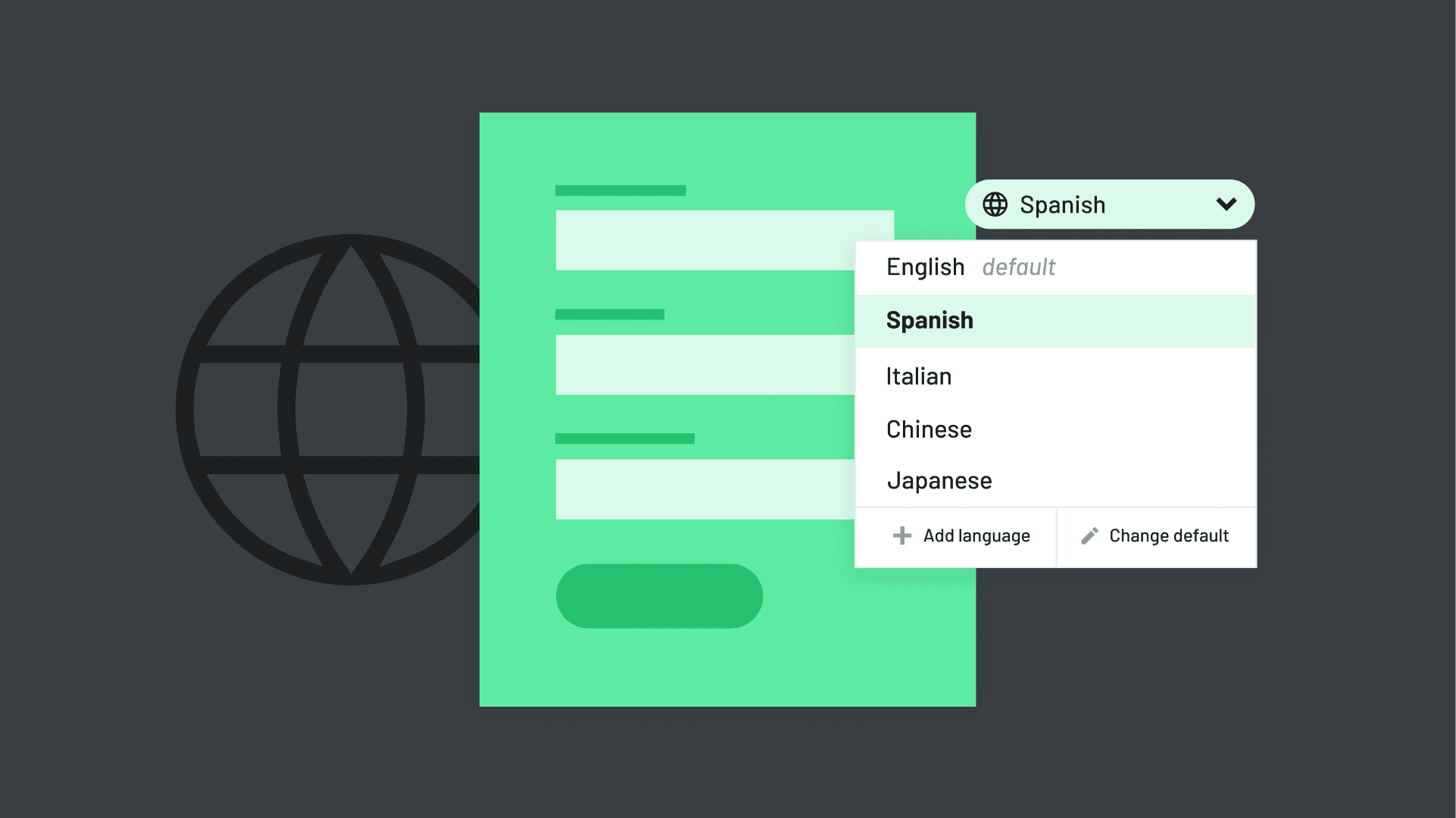
Webform Translation
Webform Translation

Create webforms in one language and immediately translate them to support customers in their preferred language.
🔥NEW
Free
Template creation with Document AI

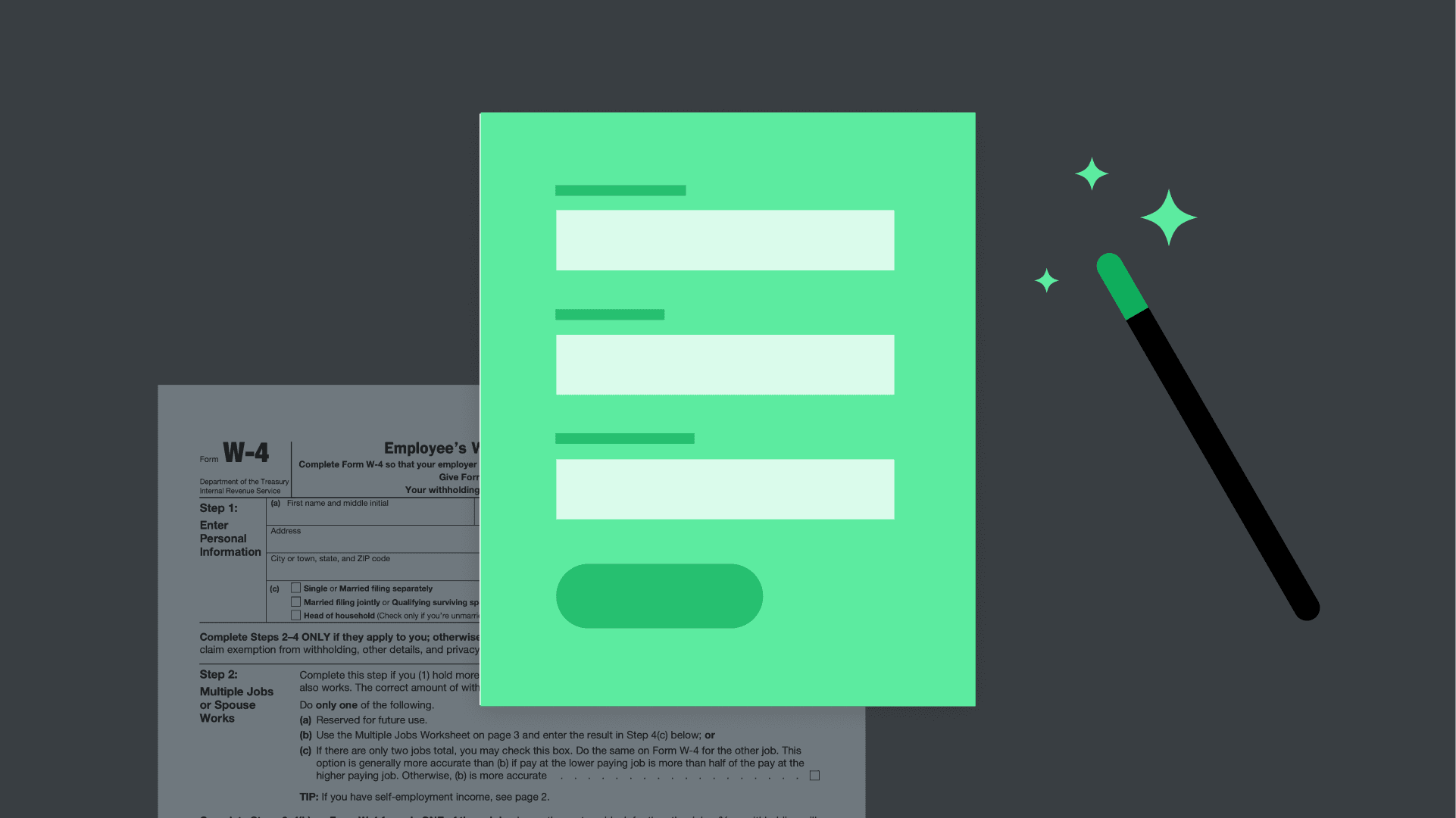
Upload a PDF and let Anvil's AI build a fillable template from any document – no manual field placement, no remapping.
Free
Webform Generation
Webform Generation

Building a Workflow has never been faster - Anvil Document AI instantly turns your multi-page PDFs into user-friendly Webforms ready to be filled out.
Free
AI Signer Creation
AI Signer Creation

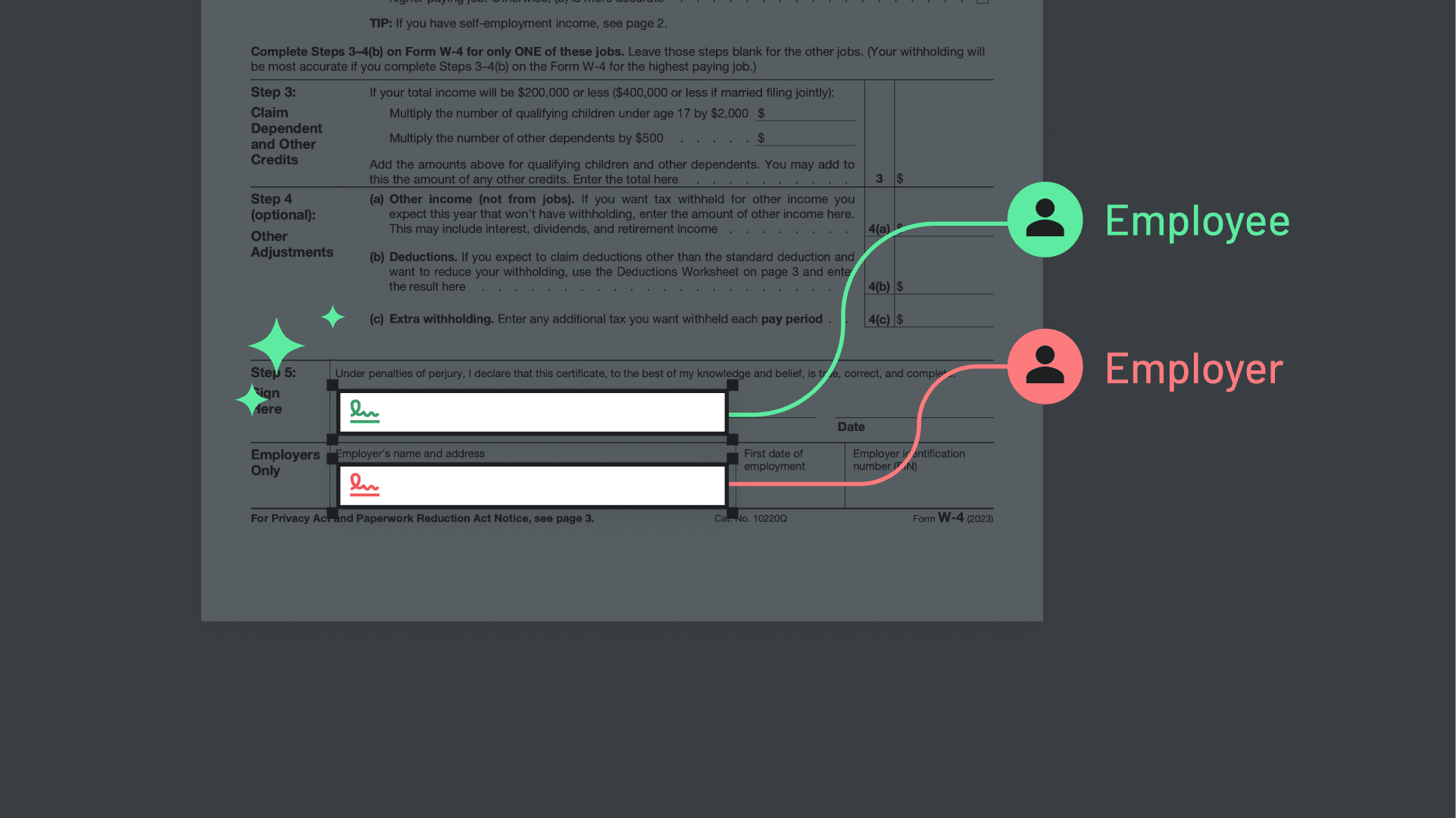
Automatically detect the parties who should sign your documents and assign them to all relevant fields (this is incredibly useful for long PDFs with multiple signers).


Free
Security and compliance
Anvil uses Public Key Infrastructure (PKI) digital certificates and encrypts signed documents with a 2048 RSA private key stored in a secure Hardware Security Module (HSM). Even our developers don't have access.
Free
Customer support
Customer support
When things are broken and you need a helping hand.

Get a demo
(from a real person)

Schedule some time on our calendar to talk through your specific use case and see which Anvil products can help.
    Want to try Anvil first?
    Want to try Anvil first?