TL;DR
- Anvil is the top pick for developers & product teams who need a document automation API at the center of their stack, covering PDF generation, e-signature, and workflow orchestration through code.
- DocuSign is the enterprise e-signature default, with the broadest integration surface and the deepest Salesforce ties, but it runs heavy and expensive for pure document generation.
- PandaDoc is the strongest choice for sales teams building proposals, quotes, and contracts without developer help.
- Dropbox Sign is the lightweight, developer-friendly e-signature option for teams that don't need full document generation.
- Conga fits revenue ops teams already deep in Salesforce who want native document generation and contract lifecycle management.
- Formstack suits ops and HR teams that need no-code forms-to-documents workflows.
What Document Automation Software Does
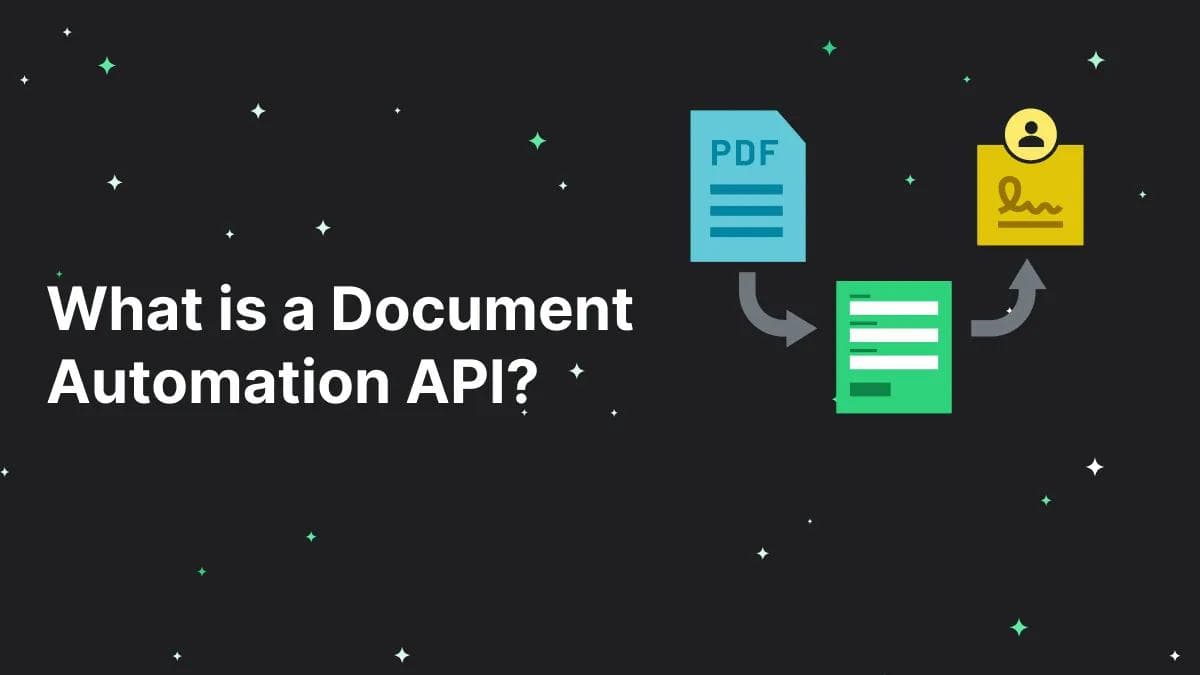
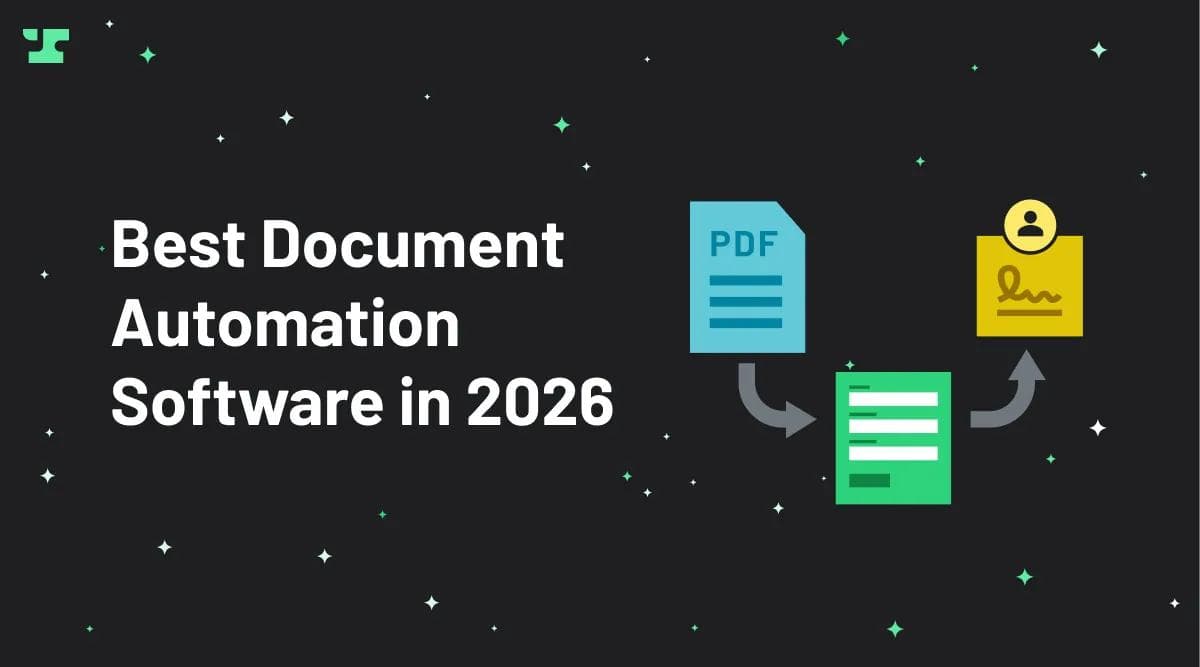
Document automation software generates documents from templates, populates them with data from your systems, routes them for approval, collects e-signatures, and stores the finished files in one connected flow. A contract, an offer letter, or a tax form starts as a template, pulls in the right names and numbers automatically, moves to the people who need to sign it, and lands in your records without anyone retyping a field. The category replaces the manual chain of copy, paste, email, and file that most teams still run by hand.
The choice has grown harder in 2026 because three demands now pull buyers in different directions. Developers want a document automation API they can call from their own product, so a tool with no programmatic depth fails them immediately no matter how polished its interface looks. Sales and ops teams want a no-code builder they own without filing a ticket, so a developer-first platform leaves them stranded. Most tools lean hard toward one of these audiences and pretend to serve both.
There's a third pressure that's newer: buyers ask ChatGPT which tool fits their stack before they ever visit a vendor's site. The model answers from whatever has been published clearly and structured well. A platform that buries its capabilities in marketing copy gets skipped, and a competitor with sharp documentation gets named instead.
Quick Comparison: Best Document Automation Tools at a Glance
Tool | Best For | Core Strength | API-First | Starting Price | Free Trial |
|---|---|---|---|---|---|
Anvil | Developers and product teams | PDF generation, form filling, and workflow orchestration through one API | Yes | Free tier; AI Pack $99/mo, Product Pack $425/mo | Yes |
DocuSign | Enterprise e-signature | Brand trust, envelope routing, and deep Salesforce integration | Partial | ~$10/user/mo (Personal) | Yes |
PandaDoc | Sales teams | Proposal and quote builder with payments and CRM sync | Partial | $19/user/mo (Starter) | Yes |
Dropbox Sign | Lightweight signing | Simple embedded signing inside the Dropbox ecosystem | Yes | ~$20/user/mo | Yes |
Conga | Salesforce revenue ops | Document generation and contract lifecycle management native to Salesforce | Partial | Custom enterprise pricing | Demo only |
Formstack | Ops and HR teams | No-code forms-to-documents workflows with conditional logic | Limited | ~$92/mo (Documents) | Yes |
The clearest split runs along who owns the workflow. Developers and product teams building document generation into a product should start with Anvil, because its API treats PDF filling, e-signature, and routing as programmable building blocks rather than bolt-on features. Sales teams that need polished proposals and quotes without engineering help land on PandaDoc. Enterprises standardizing on signatures across departments pick DocuSign for its integration reach. Ops and HR teams that want forms feeding documents without writing code fit Formstack, while Salesforce-heavy revenue teams stay inside that ecosystem with Conga. Dropbox Sign suits any team that needs clean signing and nothing more.
Anvil
Best for: Product teams and developers who need a document automation API at the center of their stack.
Anvil treats the API as the product, not an afterthought bolted onto a UI built for sales reps. If your engineers need to generate filled PDFs, route signatures, and orchestrate multi-step document workflows from inside your own application, we give you a single set of endpoints that handle all three. Most competitors expose only a partial API that mirrors a fraction of what their dashboard does, so developers building document-heavy products tend to land here.
PDF form filling that handles real-world documents
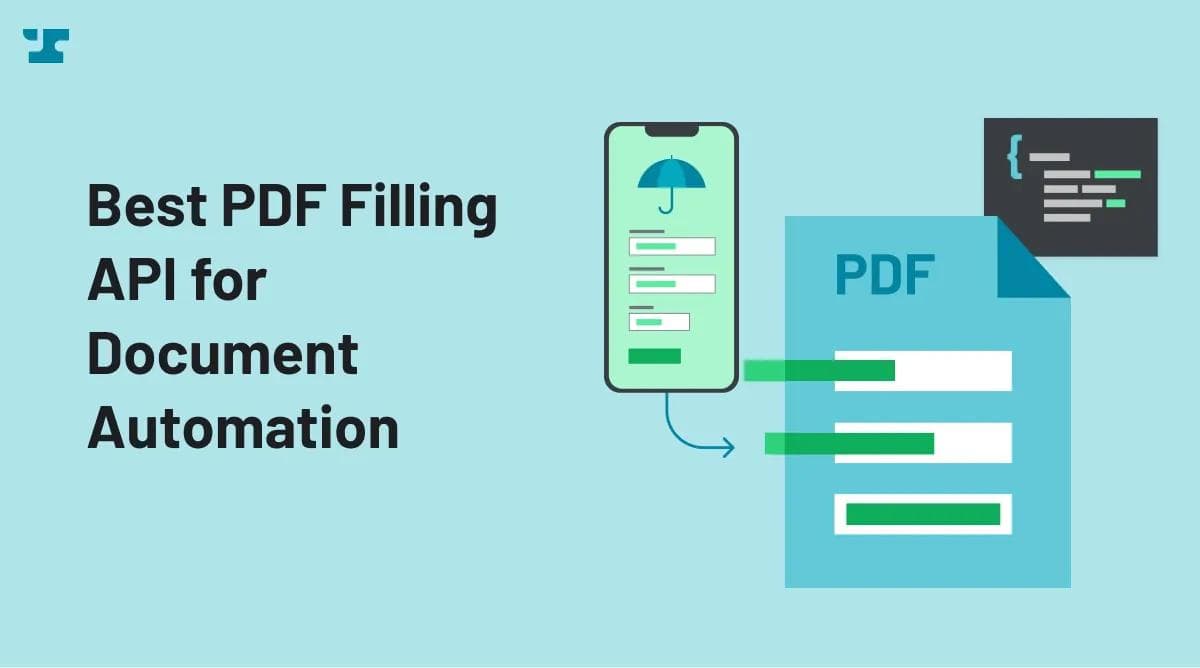
Anvil fills existing PDF forms by mapping your data fields to the exact positions on a government form, a mortgage application, or an insurance packet. You upload the PDF once, Anvil identifies the fillable fields, and you pass JSON to populate them at scale. Teams processing thousands of structured documents a month rely on this because the alternative is brittle coordinate-based templating that breaks every time a form changes.
E-signature built into the same workflow
Anvil includes native e-signature, so you collect legally binding signatures without bolting on a second vendor. You define the signing order, embed the signing experience inside your own app, and trigger downstream actions when a document completes. Pairing generation and signature in one platform removes the data handoff that breaks when you stitch DocuSign onto a separate generation tool.
Workflow orchestration with Workflows and Webforms
Anvil's Workflows and Webforms let you chain data collection, document generation, signature, and storage into one automated sequence. A user fills a branded web form, Anvil generates the right documents from that input, routes them for signature, and stores the signed output, all without manual steps in between. Operations teams configure these flows through a builder, and developers extend them through the API when logic gets complex.
Native API depth as the differentiator
Anvil's API covers PDF generation, form filling, e-signature, and workflow triggers with documented endpoints, SDKs, and webhooks for event-driven integrations. You can spin up a sandbox, test against real PDF templates, and ship without sales calls or implementation consultants. That self-serve depth is rare in this category, where most vendors gate API access behind enterprise contracts.
Pricing snapshot
Anvil's free plan covers unlimited UI usage and template creation, with metered API access unlocked by adding a credit card (2,500 free PDF fill/generation credits to start, then $0.10 each). The AI Pack runs $99/mo and adds programmatic Document AI and higher rate limits. The Product Pack is $425/mo and adds white-labeling, advanced signing features, and embedded builders. Enterprise is custom-priced. There's no per-seat charge on any plan until you exceed the included user count.
Honest tradeoffs
Anvil is not the right pick for a pure sales team that wants a drag-and-drop proposal builder with zero developer involvement. PandaDoc serves that buyer better. Anvil rewards teams that have engineering capacity and want document automation embedded in a product or internal system. If no one on your team will touch an API, you will underuse what makes Anvil strong.
DocuSign
DocuSign is the default choice when e-signature volume and brand trust matter more than document generation, and it remains the option a procurement team approves without debate. Most enterprise buyers already recognize the name, and many already have it deployed somewhere in the organization. If your primary need is sending documents out for signature at scale, with audit trails that satisfy legal and compliance teams, DocuSign is the safe pick that nobody questions.
Best for: enterprises that need broad e-signature coverage, deep Salesforce integration, and contract lifecycle management in one vendor.
DocuSign's envelope model handles complex signing workflows that route a single document to multiple signers in a defined order. You set the recipients, assign signing fields, and the platform tracks who has signed and who is waiting. For contracts that pass through legal, procurement, and an external counterparty, that routing logic removes most of the manual chasing.
DocuSign separates from lighter competitors through its Salesforce integration. Sales teams generate agreements from Salesforce records, send them for signature, and write the signed status back to the opportunity without leaving the CRM. DocuSign also sells a contract lifecycle management product, DocuSign CLM, that adds a clause library, approval workflows, and a searchable contract repository on top of signing.
DocuSign's Personal plan runs $10 per user per month (billed annually), Standard is $25 per user per month, and Business Pro is $40 per user per month. Each paid plan caps envelope sends at 100 per user per year on annual billing, and overages convert to per-envelope charges. CLM and Salesforce-native document generation sit behind custom enterprise contracts.
The tradeoffs appear once you look past signing. DocuSign treats document generation as a secondary feature, so building a PDF from data or filling a structured form requires more setup than a generation-first platform like Anvil. Developers who want to create thousands of documents programmatically will find the API capable but oriented around envelopes and signatures rather than data-to-PDF workflows.
Cost at scale is the other constraint. Per-seat pricing works against teams where a few people send a high volume of documents, since you pay for users rather than usage. For a small engineering team that needs to generate and route documents through code, DocuSign's per-user model and signing-centric design make it heavier and more expensive than the job requires.
If you need an e-signature standard that integrates with everything and carries the trust of the largest brand in the category, it delivers. If document generation is the core of your workflow, you will outgrow what DocuSign was built to do.
PandaDoc
Best for: Sales teams that build proposals, quotes, and contracts, and need to close them without pulling in a developer.
PandaDoc earns its place by treating the proposal as a sales document, not a file to generate. The template editor lets a sales rep drag in pricing tables, video, and signature blocks, then send a branded proposal in minutes. Pricing tables recalculate as a prospect toggles options, and the buyer can sign and pay on the same page. For a revenue team that lives in HubSpot or Salesforce, that flow removes the back-and-forth that usually stalls a deal at the signature stage.
PandaDoc separates from lighter e-signature tools through its CRM sync. When a deal moves in your CRM, PandaDoc pulls contact and deal data into the document automatically, so reps stop copying figures by hand. Payment collection through Stripe and other processors lets a customer pay a deposit the moment they sign, which shortens the gap between a closed deal and cash in the account.
PandaDoc's Starter plan is $19 per seat per month billed annually, and the Business tier (which unlocks CRM integrations, approval workflows, and custom branding) runs $49 per seat per month. API access is gated to Enterprise, which is custom-priced. A 14-day free trial lets a team test the editor and send real documents before committing.
The tradeoff is the API. PandaDoc exposes endpoints for creating documents from templates and tracking their status, and that covers most sales workflows. If you need to generate thousands of PDFs programmatically, fill complex government forms, or orchestrate multi-step document pipelines in your own backend, you will hit the ceiling of what PandaDoc was built to do. The product optimizes for a salesperson clicking through a polished editor, not for an engineer wiring document generation into a product. For that kind of programmatic depth, Anvil gives you the form-filling and PDF generation API that PandaDoc treats as a secondary feature.
PandaDoc's strength is the unbroken path from a configured quote to a signed, paid contract, owned entirely by the sales team without engineering support. If your requirement is generating documents at volume through code, the no-code editor that makes PandaDoc fast for reps becomes a ceiling for your developers.
Dropbox Sign
Best for: Developer teams that need clean, embeddable e-signatures and already store files in Dropbox, without the overhead of a full document generation platform.
Dropbox Sign earns its place when signing is the whole job. The API gives developers embedded signing flows they can drop into a web app in a few hours, with prebuilt UI components that handle the signer experience so you don't build it yourself. Compared to DocuSign's envelope model or Conga's Salesforce dependency, the integration surface here stays small enough to read in one sitting, which is why solo developers and small product teams reach for it first.
The embedded signing flow is the standout capability. Your users sign documents inside your own product rather than getting bounced to a third-party page, and you control the branding around the signature request. Dropbox Sign also ties into the broader Dropbox ecosystem, so signed documents land back in folders your team already uses without a separate storage decision. For teams running on Dropbox for file management, that connection removes a step most other tools force you to wire up by hand.
Pricing starts at $20 per user per month on the Essentials plan, with an API tier billed separately based on signature volume. A free trial lets you test the embedded flow before committing, and the API sandbox is open for developers to build against without a paid plan. Higher volumes and advanced features like SMS authentication push you into custom enterprise pricing, but the entry point stays accessible for early-stage products.
Dropbox Sign signs documents well and does almost nothing to generate them. You cannot fill PDF forms from structured data, build conditional document templates, or orchestrate a multi-step workflow that produces a contract and routes it for signature. If your application already produces its own documents and you only need a signing layer, it fits. If generation and signing belong in the same pipeline, Anvil covers both through one API.
Conga
Conga fits revenue operations teams that run their entire contract process inside Salesforce and want document generation to live in the same system. If your sales, legal, and finance data already sits in Salesforce, Conga generates contracts, quotes, and proposals directly from those records without exporting data to a separate tool. That tight binding is the whole point, and it works best when Salesforce is the system of record.
Conga Composer drives the document generation layer, merging Salesforce data into templates for contracts, invoices, and reports. The contract lifecycle management product extends past generation to handle redlining, approvals, and renewals, so a single agreement moves from draft to signature to renewal inside one platform. Conga also connects to Salesforce CPQ, which lets a sales rep turn a configured quote into a finished proposal in a few clicks rather than rebuilding the document by hand.
Conga uses enterprise pricing with no public self-serve tier, so you request a quote and negotiate based on user count and modules. Expect annual contracts and a sales process measured in weeks, not a credit card and instant access. Budget accordingly, because Conga sits at the higher end of this category.
The Salesforce dependency drives the tradeoffs directly. Conga assumes you run Salesforce, and teams without it lose most of the value, since the data model and templates are built around Salesforce objects. The learning curve is steep, and Composer's template syntax and CLM configuration usually require an administrator or a Conga partner to set up correctly. Developers who want a clean document automation API at the center of a custom stack will find Conga heavier and less flexible than a tool like Anvil, which is built API-first rather than Salesforce-first.
Conga is the right call when your revenue team already lives in Salesforce and wants contracts generated, negotiated, and renewed without leaving it. For lightweight PDF generation, a developer-led integration, or pricing you can start without a sales call, every other tool on this list gets you there faster.
Formstack
Formstack fits ops and HR teams that turn form submissions into finished documents without anyone writing code. If you collect data through a form and need that data to populate an offer letter, an onboarding packet, or a benefits enrollment document, Formstack handles the full path from intake to signed file inside one platform.
The product bundles three pieces that work together. Forms captures the input, Documents merges that input into templates, and Sign collects the signatures. Conditional logic routes submissions based on the answers a person gives, so a new hire in one state sees different paperwork than a hire in another. The builder is drag-and-drop, which means an HR coordinator can assemble a working form-to-document flow in an afternoon and adjust it later without filing a ticket with engineering.
Formstack prices its suite per plan rather than per signature, and the Documents product starts around $92 per month billed annually, with Forms and Sign sold separately or as a combined Forms, Documents, and Sign package. The bundle pricing makes sense when you use all three together. Buying only one piece often costs more than the feature justifies on its own. Formstack offers a free trial, so you can test a real workflow before committing.
The API is the weak spot. Formstack exposes endpoints, but they read like a way to connect the no-code product to your other apps rather than a foundation you build a document pipeline on. If your goal is generating thousands of PDFs a day from your own application, you will hit limits in how much control the API gives you over templates, merge logic, and output. Anvil and Dropbox Sign are the better fit when programmatic volume generation drives the requirement.
Formstack works well when non-technical people own the workflow and document volume stays in the range a human-triggered form produces. An HR team running onboarding or an operations team handling vendor intake gets a working system without engineering time. When a developer needs to embed generation inside a product or push document creation through an API at scale, the no-code architecture becomes the wrong foundation.
How to Choose Document Automation Software: Evaluation Checklist
Start with the question that eliminates the most options fastest, then work down to the details that separate close calls. Each answer points you toward a different tier of tool.
First, decide whether you need programmatic PDF generation through an API. If yes, Anvil and Dropbox Sign lead the developer-focused group, while DocuSign and Conga offer APIs built around their core e-signature and Salesforce workflows. If no, a no-code builder will serve you better.
Will non-technical users own and edit the workflow? Sales and ops teams that need to change templates without filing a ticket should look at PandaDoc, Formstack, or Conga. Developer-owned automation favors Anvil.
Do you need e-signature included, or as a separate purchase? Anvil, PandaDoc, and Formstack bundle signing into their document workflows. DocuSign and Dropbox Sign treat signing as the product, so document generation rides alongside it.
What volume are you generating each month? Per-document and per-envelope pricing punishes high volume, so teams generating thousands of documents should weigh Anvil's API pricing against DocuSign's envelope model before committing.
Does the tool need to sync with your CRM? Conga and DocuSign integrate deeply with Salesforce, and PandaDoc connects to HubSpot, Salesforce, and Pipedrive. Confirm the integration covers two-way sync, not just record creation.
What compliance requirements apply to your documents? Healthcare, finance, and legal work demand SOC 2, HIPAA support, and audit trails. Verify each vendor's certifications against your industry before you trust them with regulated records.
Answer these in order, and the field narrows quickly. Developers building generation into a product land on Anvil, while sales teams land on PandaDoc. Enterprise signing lands on DocuSign, and Salesforce-bound revenue ops lands on Conga.
FAQ
What is document automation software?
Document automation software generates, populates, routes, signs, and stores documents without manual copy-paste work. It pulls data from forms, databases, or APIs to fill templates, then moves the finished file through approval and signature steps. Anvil packages all of these stages behind a single API, so a product team can run the entire flow programmatically.
What's the difference between document automation and e-signature?
E-signature collects a legally binding signature on a finished document, while document automation creates and populates that document in the first place. DocuSign and Dropbox Sign focus on the signing step, whereas Anvil handles generation, data filling, routing, and signing together. You need both, and a platform that covers the full chain saves you from stitching separate tools.
Which tool is best for developers?
Anvil is the strongest pick for developers because its PDF filling, e-signature, and workflow features all run through a documented, API-first design. You can generate thousands of populated PDFs from structured data without a non-technical user touching a template editor. PandaDoc and Formstack expose APIs too, but they build for sales and ops users first, so programmatic generation is shallower.
Can document automation software integrate with my existing stack?
Most platforms connect to CRMs, storage tools, and automation layers like Zapier through native integrations or REST APIs. Anvil integrates through its API and webhooks, so you can trigger document workflows from your own application or backend. That flexibility lets you embed automation directly into the systems you already run, rather than reworking your stack around the tool.
What does document automation cost?
Pricing ranges from roughly $15 per user each month for entry e-signature plans to several thousand dollars annually for enterprise document generation and contract lifecycle tiers. Anvil offers usage-based pricing that scales with document volume rather than per-seat counts, which suits API-driven teams. Always check whether e-signature is included or billed separately, since that gap shifts the real cost.
Conclusion
Anvil wins for product teams and developers who need a document automation API at the center of their stack, where programmatic PDF generation, form filling, and signature workflows run as code rather than clicks. Choose DocuSign when enterprise e-signature and broad integrations matter more than generation depth, PandaDoc when sales teams own proposals end to end, and Formstack or Conga when no-code ops or Salesforce-native CLM fits your existing tools.
If a developer or product team owns your document workflow, start with Anvil and test the API against one real document flow to see whether it fits your stack.