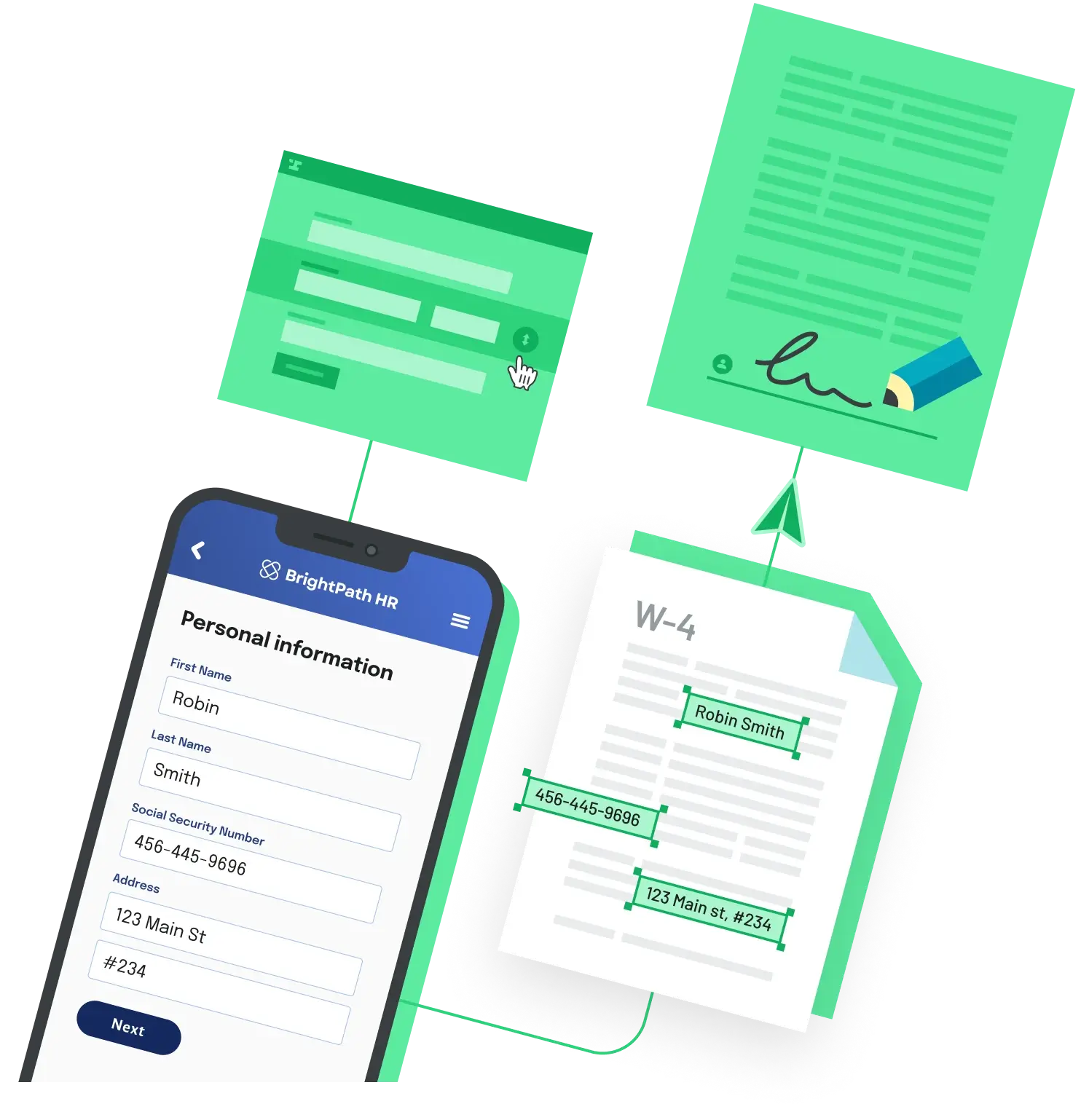
When someone submits a web form, you usually want the answers to end up in a real document: an onboarding packet, an application, a consent form. The reliable pattern is a backend endpoint that receives the submission and writes each value into a PDF that already has named form fields.
Fill the PDF in your submit handler
import express from 'express'
import fs from 'node:fs/promises'
import { PDFDocument } from 'pdf-lib'

const app = express()
app.use(express.json())

app.post('/submit', async (req, res) => {
  // req.body is the web form submission, e.g.
  // { fullName: 'Jane Doe', email: 'jane@example.com', startDate: '2026-08-01' }
  const templateBytes = await fs.readFile('./onboarding-template.pdf')
  const pdfDoc = await PDFDocument.load(templateBytes)
  const form = pdfDoc.getForm()

  form.getTextField('full_name').setText(req.body.fullName)
  form.getTextField('email').setText(req.body.email)
  form.getTextField('start_date').setText(req.body.startDate)

  // Bake the values in so the document cannot be edited after submission
  form.flatten()

  const filledBytes = await pdfDoc.save()
  res.set('Content-Type', 'application/pdf')
  res.send(Buffer.from(filledBytes))
})

app.listen(3000)
Load the template, grab its form, set each field by name, then flatten so the values are baked into the page. pdfDoc.save() returns the bytes, which you can send back as application/pdf, store, email, or forward to a signing step.
Two things that trip people up
The field names in your code must match the names inside the PDF exactly. If a call to getTextField throws, list what the document actually has and map from there:
form.getFields().forEach((f) => console.log(f.getName(), f.constructor.name))Flattening is one way. Call form.flatten() only after every value is set, because a flattened field is no longer editable. If your template is a flat PDF with no form fields at all, getTextField will fail, and you instead draw text at fixed coordinates with page.drawText().
If you would rather not run and maintain the fill step yourself, a hosted flow does the same thing server side: Anvil's Workflows present a webform to the user and fill a PDF template with the collected data.
Back to All Questions