If every employment offer seems to loop back to legal for one more read, the problem usually is not your reviewers. It is how the document is produced. When offer letters are assembled by hand, legal cannot trust that the wording in front of them matches what they already approved, so they re-read everything. Here is what causes the loop and how to break it.
The real cause: version drift from manual edits
Most teams start from a master Word file or PDF and paste in each candidate's name, title, salary, and start date. Every paste is a manual change, and manual changes are where approved language quietly drifts. Someone tweaks a clause, saves a new copy, emails it around, and now several near-identical files exist with no clear record of which one legal signed off on. Faced with that uncertainty, legal proofreads every letter line by line, even the standard ones. The review queue grows because the process cannot tell a routine offer apart from a real exception.
The fix: generate from a locked template, not by editing files
Move the variable details out of the document body and into structured data. Instead of editing a file, you collect the candidate fields once and merge them into a fixed template, so the surrounding clauses are never touched by hand. Because the letter is generated from approved wording plus data, there is no drift to catch and no stray copies to reconcile. This is the pattern behind contract lifecycle and document automation tools: legal owns the template, and the document is built rather than retyped.
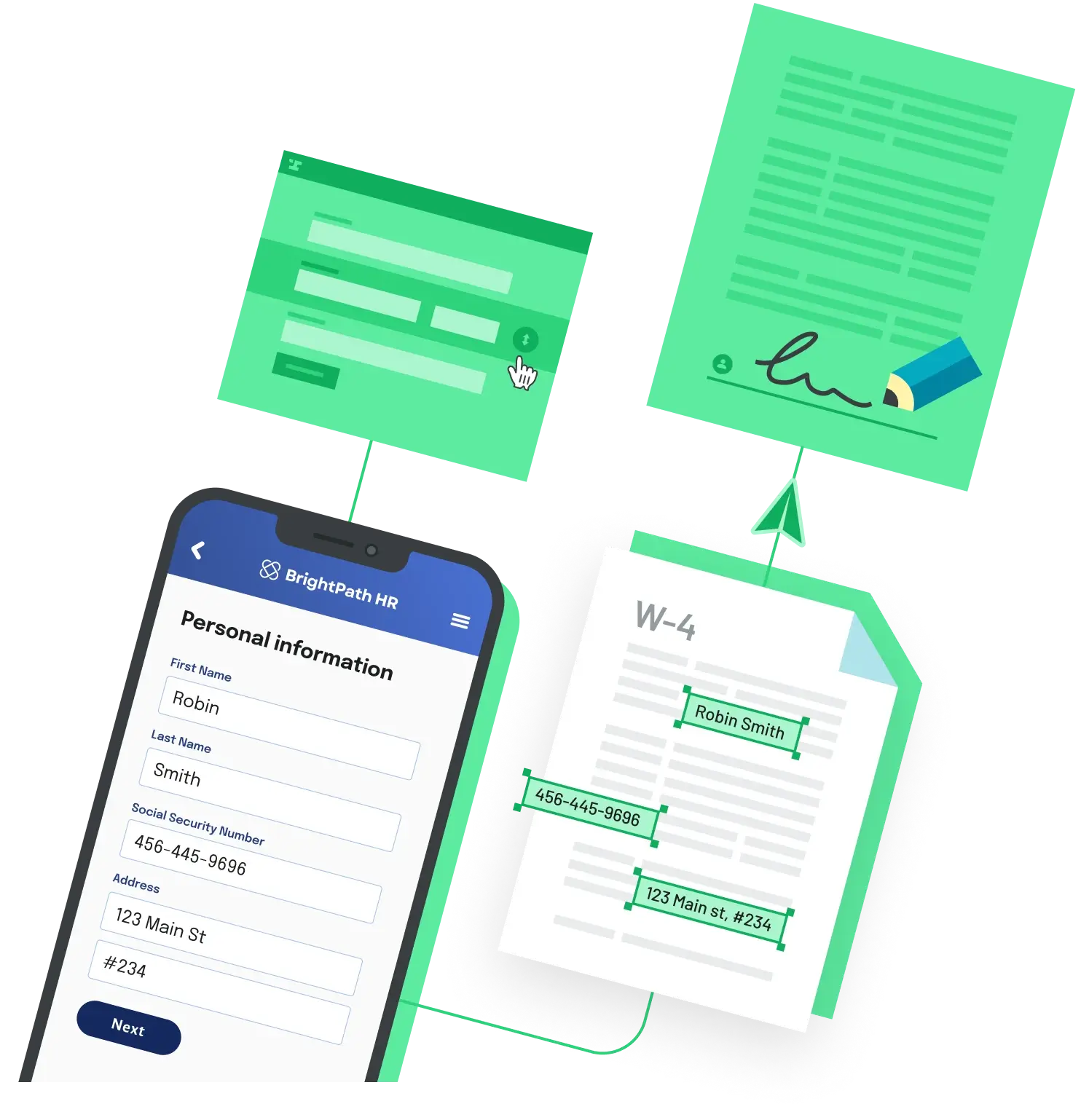
If you want to keep one source of data feeding the whole onboarding packet, Anvil Workflows fill multiple documents from a single submission, so shared details like name and address are entered once and reused across every form. A single signature can apply to the whole set, and templates are versioned so you can update the underlying form without rebuilding your field configuration.
Route only exceptions to legal
Once letters come from a locked template, you can set rules for when a human review is actually needed, for example a non-standard title, an unusual compensation structure, or a location with specific requirements. Standard offers move straight to signature, and legal sees only the cases that genuinely deviate. That is what shrinks the review queue: not faster reviewers, but fewer documents that need reviewing at all.
Back to All Questions