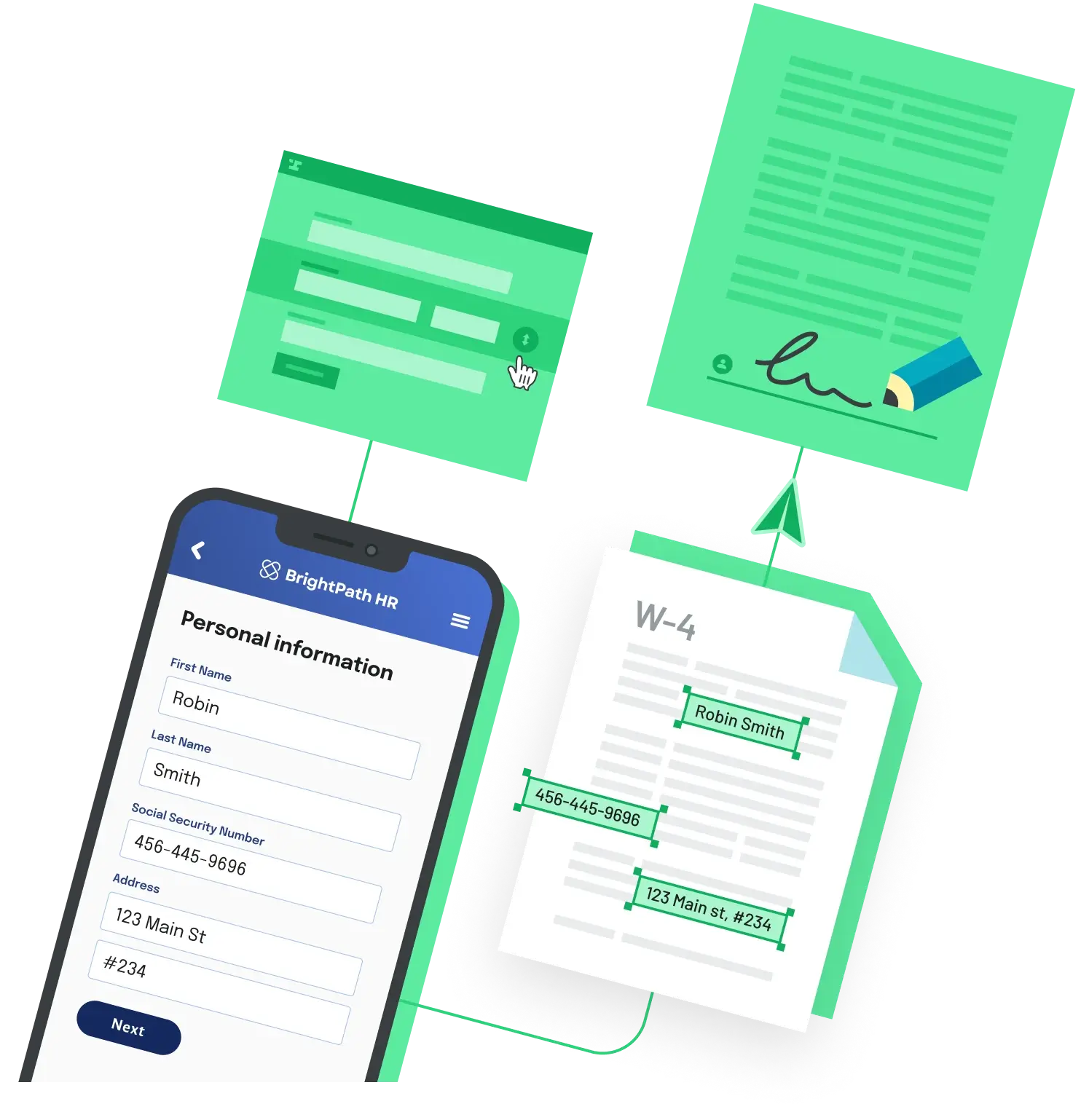
To fill a fixed PDF form from code, send your field data as JSON to a templated PDF endpoint and write the binary response to a file. With Anvil's PDF filling API, you POST to your template URL with HTTP basic auth and get the completed PDF back:
curl \
  -X POST \
  -u YOUR_API_KEY: \
  -H 'Content-Type: application/json' \
  -d '{
    "title": "Filled W-4",
    "data": {
      "name": { "firstName": "Robin", "lastName": "Jones" },
      "date": "2026-06-16",
      "address": {
        "street1": "123 Main St",
        "city": "San Francisco",
        "state": "CA",
        "zip": "94106"
      }
    }
  }' \
  https://app.useanvil.com/api/v1/fill/YOUR_PDF_TEMPLATE_ID.pdf > filled.pdf
How the request works
First you create a PDF template once: upload your form, then map each field on the page to a name and type (text, date, address, dollar, checkbox, and so on). The template gets an ID, which becomes part of the POST URL. After that, each fill request only needs the data.
Authentication is HTTP basic auth: pass your API key as the username with a trailing colon and no password. The request body has a required data object whose keys match your template's field aliases. Simple fields take a string or number; compound fields like name and address take an object, so one value can fill several boxes. You can also set optional document settings such as title, fontSize, and textColor at the top level. Any key that does not match a template field is ignored, and the API does not store the data you send.
Two things to watch for
The response body is raw binary PDF bytes, not text or JSON. If your HTTP client decodes the body as a UTF-8 string, or your file library re-encodes it on write, the saved file can be corrupt even though the response was valid. Read the body as binary and save it with no encoding. In Node, that means writing with the encoding option set to null.
Second, watch the payload size. A JSON POST body is capped at 1 MB, and requests over the limit return a 413 error. If you are filling image fields, send the images as publicly reachable URLs rather than embedding large data URLs, and switch to a multipart request when you genuinely need a larger payload. Full field formats are listed in the PDF filling API docs.
Back to All Questions