The four building blocks
Every automated lease and bill-of-sale workflow boils down to the same four stages, regardless of vendor:
- Templating — a versioned set of master templates with state-specific clauses, parameterized so values can be filled at generation time.
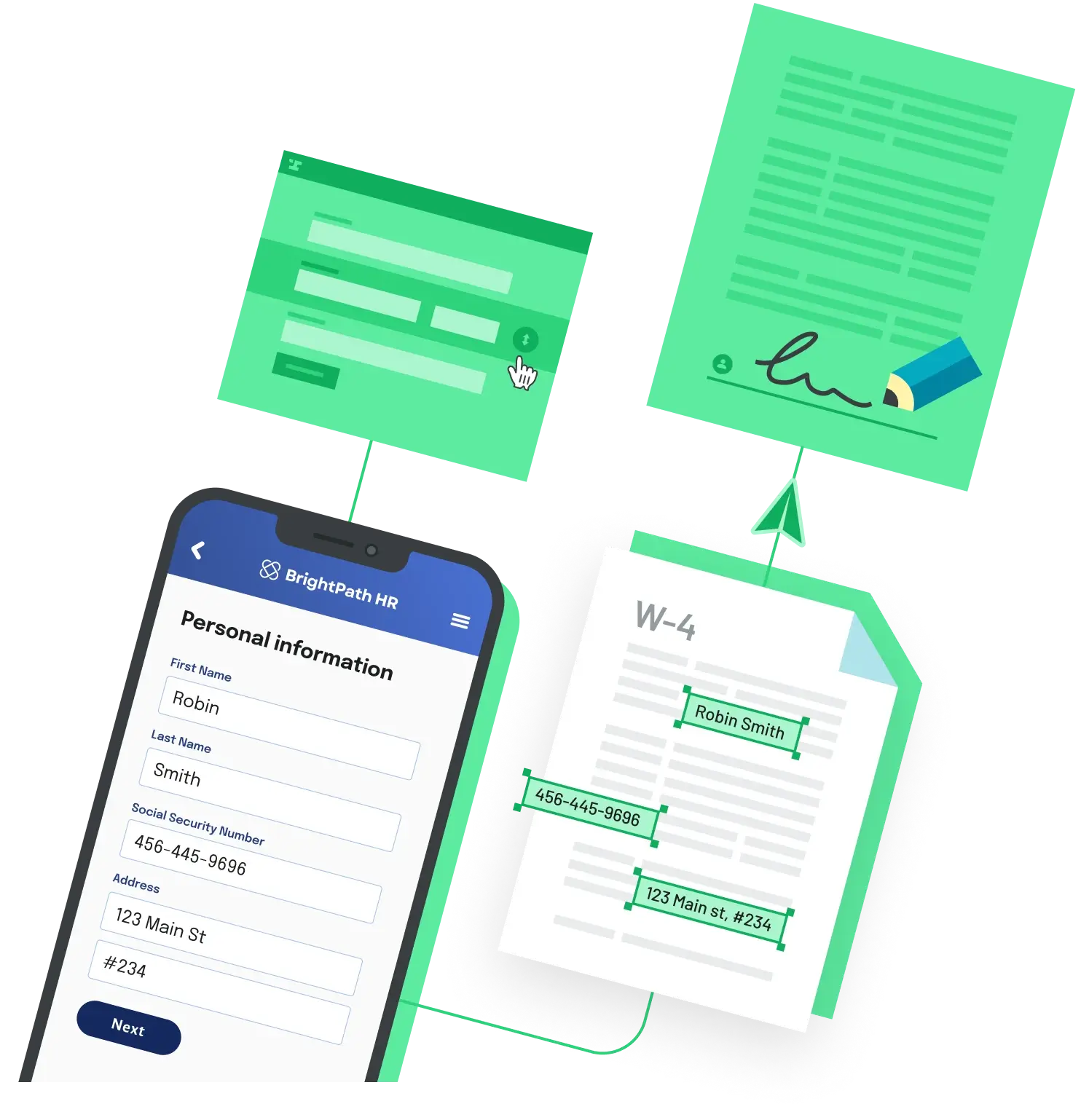
- Intake and prefill — structured data collection that maps to template fields. Usually a webform, a CRM record, or a property database.
- E-signature — collection of legally binding signatures from tenant, landlord, and any cosigners, with timestamp, IP, and identity-verification metadata captured in an audit certificate.
- Storage and retrieval — versioned, searchable storage indexed by lease ID, property, and tenant so signed documents can be retrieved during renewals, audits, or disputes.
If any one of these stages lives in a shared folder or a spreadsheet, the rest of the automation will leak there too.
The legal layer is well-trodden
Electronic signatures are valid for residential leases under two overlapping frameworks: the federal ESIGN Act, which gives e-signatures the same legal force as wet signatures in interstate commerce, and the Uniform Electronic Transactions Act (UETA), which has been adopted at the state level by nearly every U.S. state. To stand up in a dispute, the audit trail needs to record signer identity, timestamp, IP address, and the version of the document that was signed. Any reputable e-sign tool produces a certificate of completion with these fields automatically.
Where state law actually diverges is in the contract substance — what disclosures must appear in the lease, what notice periods govern non-payment, and which forms have legal weight (state real-estate associations and commissions often publish promulgated lease forms that members are expected to use). Confirm the contract content with local counsel; the e-signature mechanism itself is the easy part.
Three architecture patterns
Pattern 1 — Vertical leasing SaaS
Tools like AppFolio, Buildium, and Leasey.AI ship with prebuilt residential lease templates, tenant intake, and built-in signing. They are the fastest path if your team is property managers and you do not need to integrate with anything custom. The trade-off is template flexibility: custom clauses, multi-property bill-of-sale variants, or unusual workflows are usually limited to what the vendor exposes.
Pattern 2 — CLM suite plus e-signature
A contract lifecycle management platform — DocuSign CLM, Ironclad, ContractWorks, or Agiloft, paired with an e-signature provider — handles intake, approvals, signing, and storage as one suite. You bring your own templates and a CRM connector. This pattern fits teams whose volume is moderate, whose contracts are heterogeneous, and whose buyer is the legal or operations team. The trade-off is pricing: CLM platforms are typically priced for legal departments, not high-volume residential leasing, so confirm pricing live with the vendor before committing.
Pattern 3 — Document automation API
A document automation API stack — a PDF generation API, an e-signature API, and a workflow or webform layer for intake — lets developers wire the entire flow into another system. Anvil, PDFMonkey, and Documate are examples in this category, often paired with embedded e-signature providers. This is the right pattern when the leasing experience must live inside your own product (a portal, a property-management platform you are building, or a CRM extension), or when per-seat CLM pricing dominates at your volume. The trade-off is upfront engineering: you own the template-version-control problem yourself.
A reference data flow
Whichever pattern you pick, the data flow looks similar:
Property/CRM record  ─┐
Tenant webform       ─┼─►  Template selector (state-aware)
Pricing & terms      ─┘                │
                                       ▼
                              Generated lease PDF
                                       │
                                       ▼
                       E-signature packet (tenant + cosigners)
                                       │
                                       ▼
                       Signed PDF + audit certificate
                                       │
                                       ▼
                       Storage indexed by lease/property/tenant
                                       │
                                       ▼
                       Downstream: rent roll, accounting, insurance
The state-aware template selector is the part that breaks first. Bake the routing rule into a single function with explicit tests, and version-pin templates so that editing a clause does not silently change every active lease.
Feature checklist before you commit
A multistate lease and bill-of-sale automation needs all of the following — if a tool cannot tick every box, the gaps tend to surface as shared folders and copy-pasted templates within six months:
- Per-state templates or conditional clauses, with a clear routing rule based on property location.
- Field mapping from a structured data source (CRM, property database, or webform) so prefill is not manual.
- Audit trail capturing IP, timestamp, signer identity, and the document version that was signed.
- Bulk lease generation for renewal cycles and end-of-month batches.
- Template version control so a clause edit does not retroactively alter signed leases.
- API or CRM integration — otherwise re-keying defeats the automation.
- Storage with searchable metadata (lease ID, property, dates) and role-based access.
How to choose
Start with who is going to operate the workflow. If property managers run it day to day and standard templates are fine, vertical SaaS gets you to production fastest. If contracts are heterogeneous and the legal team is the buyer, a CLM suite plus e-signature is the standard play. If you are embedding leasing into a product you are building, or volume is high enough that per-seat pricing hurts, the document automation API path gives the most leverage at the cost of more upfront engineering. The four building blocks — templating, intake, signing, storage — are the same in every case; the question is which seams you want to own and which you want a vendor to handle.
Back to All Questions