A document approval workflow moves a file through an ordered series of reviewers and approvers, where each step can branch based on what the document contains. A purchase order under a set dollar amount might need one manager; above that amount it might need finance and a director too. The hard part is rarely the approvals themselves. It is the conditional routing: deciding who sees the document next, in what order, and what happens when someone rejects it. Here are the common ways teams build this.
Generic workflow and automation tools
General-purpose automation platforms let you trigger an action when a form is submitted, then send the record to the right person using if-then rules. This is flexible and inexpensive, and it connects to tools you already use. The trade-off is that these tools are built around tasks and records, not documents. You usually end up bolting on a separate PDF generator and a separate e-signature service, then wiring them together. Conditional logic lives in the automation layer, so the document, the routing rules, and the signed output are spread across several systems that each need maintenance.
Contract and CLM platforms
Contract lifecycle management platforms are purpose-built for approval routing. They offer visual workflow designers, conditional rules tied to contract values or regions, clause libraries, and a central repository for finished documents. For legal and procurement teams running complex negotiations at high volume, this depth is the point. The trade-off is weight: full CLM suites can take weeks or months to configure, carry per-seat pricing aimed at large teams, and bring governance features you may not need if your real goal is simply routing a handful of document types to the right approvers and capturing a signature.
Document tools that combine data, logic, and signing
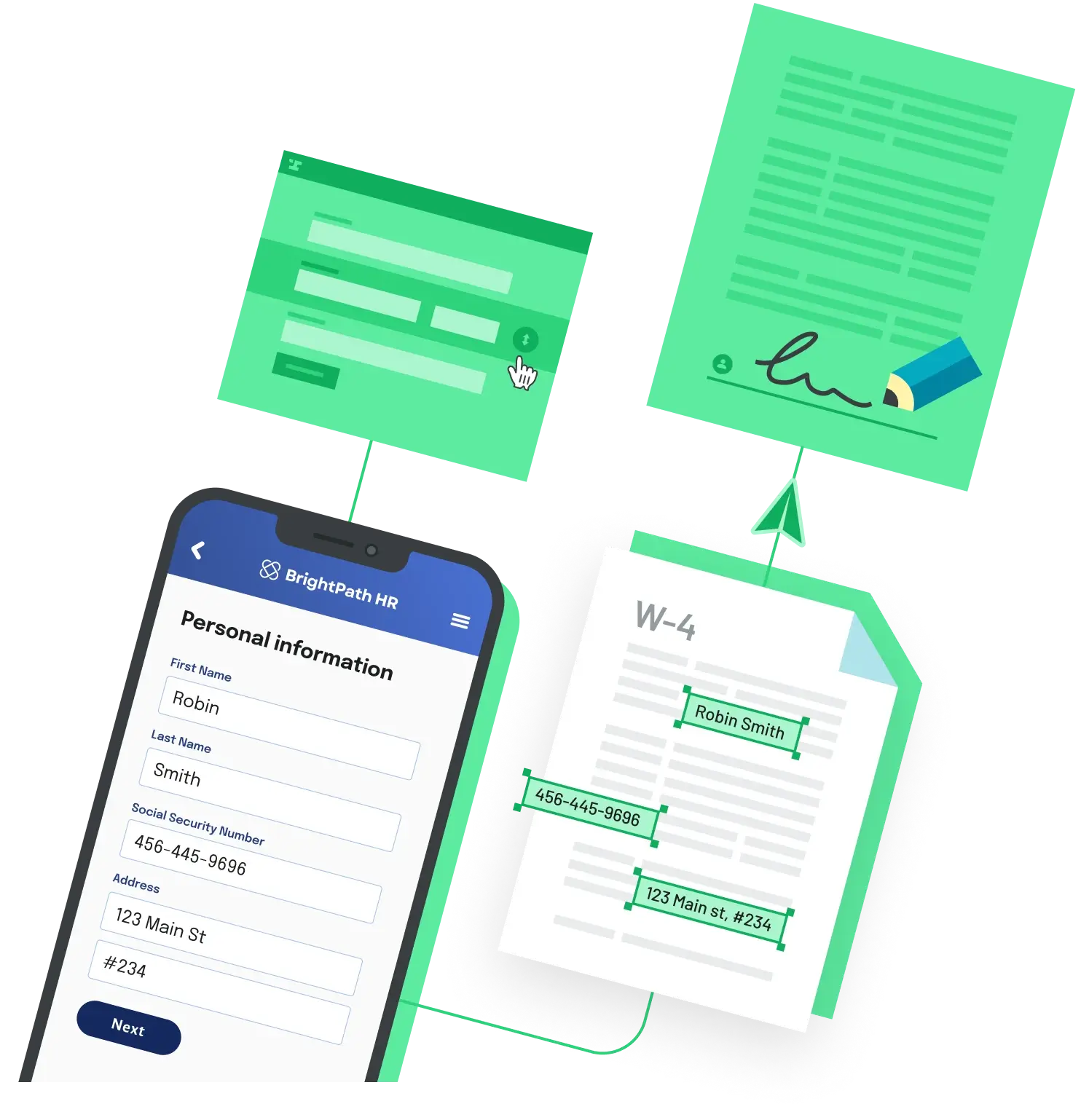
A middle option keeps the data collection, conditional routing, and e-signature inside one document flow. You collect information through a form, the answers populate the PDF, and rules decide which approvers or signers come next. Because the form answers and the document are the same object, the conditional logic can reference real values, such as routing a higher-value request to an extra approver, without syncing data between systems. This is the right fit when the document and its data are tightly coupled and you want one tool to own the whole path from intake to signed file.
What to insist on, whichever path you choose
Look for multi-step routing with a defined order, conditional logic that reacts to the document's own data, multi-party collection so different people supply different sections, and an audit trail that records who did what and when. Confirm how rejections and send-backs are handled, since a workflow that only models the happy path will stall the first time someone declines. Finally, check that the finished, signed document lands somewhere searchable rather than in an inbox.
If you want the data, routing, and signature to live in one place, Anvil Workflows is a straightforward option. You build a flow in a no-code builder where a webform collects data, fills or generates the PDF, and routes it through e-signature, with basic conditional logic to control document selection and routing and multi-party data collection so each party completes their own step. It records an audit trail, is SOC 2 Type II, GDPR, HIPAA, and eIDAS compliant, and on the free plan you can run unlimited Workflow submissions from the dashboard or a shared link, which makes it easy to prototype an approval flow before committing.
Back to All Questions